Google search results explained
How does your business appear in Google Search?
Search results can include ads, Maps listings, website pages, and AI answers. Learn the differences and how to check what appears for your services.

What are your customers searching for?
- 01What someone needs
- 02What your page explains
- 03The next useful step
Google Search basics
What you need to know
Start with what the tool does, when to use it, and the first thing to check.
- 01Plain answer
- Google Search is still where buyers compare options, ask cost questions, look for red flags, and decide who sounds trustworthy enough to call.
- 02Best for
- Businesses that want to understand what homeowners and local buyers actually see before they pick a company.
- 03First move
- Search your service plus your city, then write down the ads, map results, organic pages, questions, snippets, and competitors showing up.
What appears in Google search results?
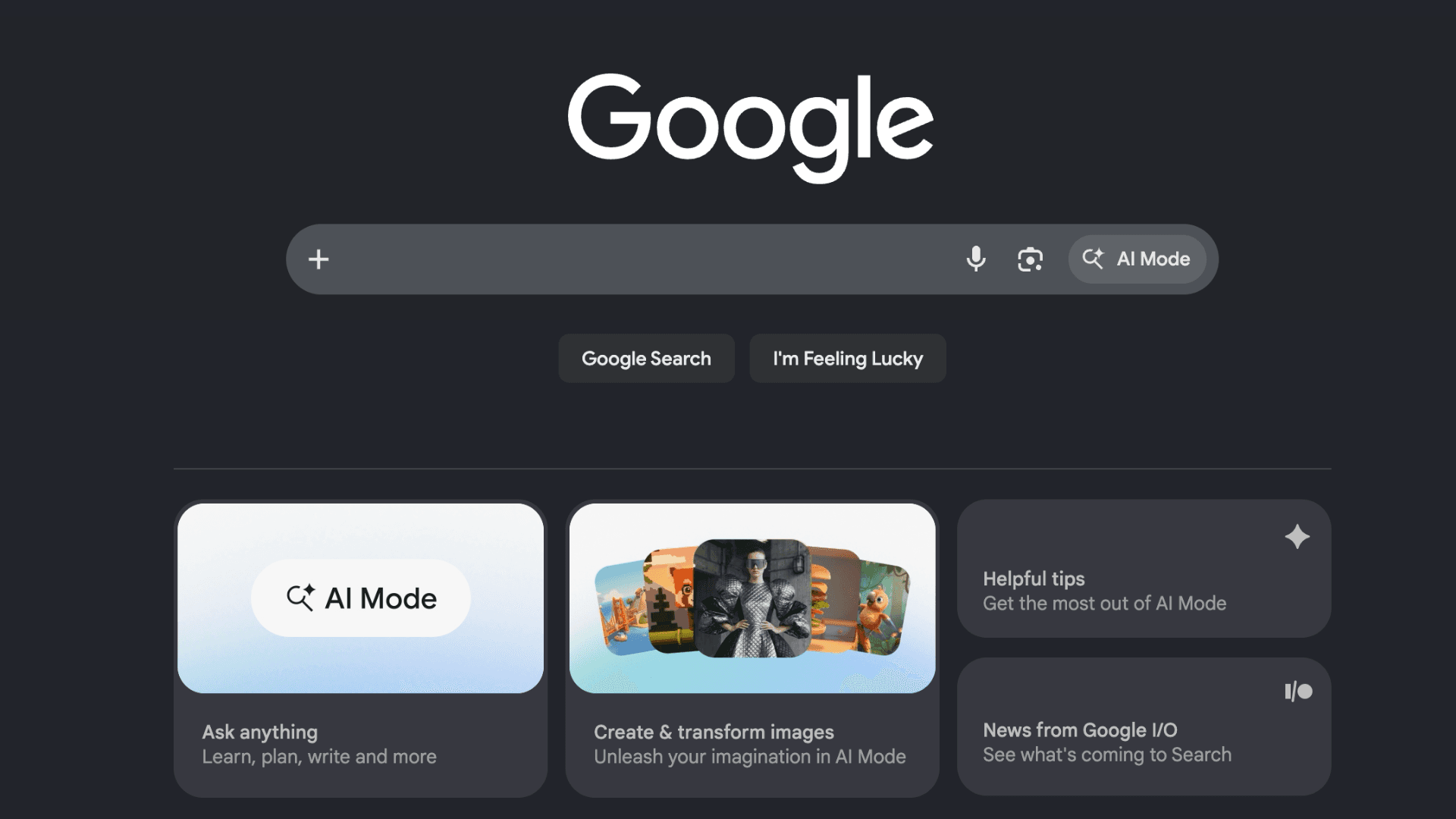
Google Search pulls together ads, local results, organic pages, AI summaries, videos, images, and other features competing for attention. For local businesses, that's where a buyer's question becomes a shortlist.
- Organic results are unpaid website listings.
- Local results are tied to Google Business Profiles and Maps.
- Ads are paid placements.
- AI results can summarize answers and point to sources.
What do customers search for before hiring a contractor?
People don't just search your company name. They search the problem, the service, the city, the cost, the timeline, and the weird question they're embarrassed to ask out loud.
- A remodeler needs pages for real services, not one vague services page.
- A home service company needs clear location and service signals.
- A contractor needs proof, photos, FAQs, and process details.
- Search visibility depends on matching the question better than the next option.
What can you learn from a search results page?
- What kinds of results Google thinks answer a query.
- Which competitors show up for your service searches.
- Whether ads, Maps, organic results, or AI summaries dominate the page.
- What titles and descriptions are competing for clicks.
- What questions and related searches buyers are asking.
How do you check results for your services?
- 01
Search your main service plus your main city in an incognito window.
- 02
Look at what appears first: ads, Maps, AI summaries, directories, competitors, or blogs.
- 03
Open the top competitor pages and note what they answer well.
- 04
Search a cost question, timeline question, and hiring question for your service.
- 05
Compare those searches to your website. If your site doesn't answer them, that's your homework.
What common website mistakes make search harder?
- Writing for keywords instead of search intent.
- Making every city page the same page with a different city name.
- Ignoring AI search and longer buyer questions.
- Publishing blogs nobody asked for while the service pages are still thin.
- Expecting Google to understand work you never explained.
What should you improve on your service pages?
- Build service pages for the work you actually want.
- Answer cost, timeline, process, fit, and proof questions.
- Use Search Console to spot searches you don't answer yet.
- Clean up titles and descriptions.
- Link related pages together so Google and buyers can follow the logic.
How do ads, Maps, organic results, and AI answers differ?
Ads, local results, organic links, and generative features aren't interchangeable. Google's generative-search guidance doesn't require special AI files or special schema. Eligibility doesn't guarantee inclusion. Inspect the actual property reports available to you and keep manual answer samples separate from measured search traffic.
Screenshot checklist
What should you screenshot before asking for help?
A good screenshot makes the conversation concrete. It shows whether the tool is set up, whether the numbers are useful, and where the next fix should start.
- 01Search results for your top service and city.
- 02People Also Ask questions.
- 03Organic competitors and their page titles.
- 04Map pack competitors.
- 05AI summary or overview if one appears.
- 06Searches that reveal cost, timeline, comparison, and hiring questions.
Example problems
What problems might you find?
Each example shows a problem, what it might mean, and what to check.
The search results exposed missing answers
- What happens
- A contractor had a service page, but Search showed buyers asking about cost, timeline, permits, and project scope.
- What it means
- The website wasn't losing because it lacked words. It was losing because it skipped the questions buyers cared about.
- The move
- Add answer sections, FAQs, process details, pricing factors, and project proof to the service page.
Competitor pages answer questions yours don’t
- What happens
- Search results made a competitor look more specific because their site explained services, areas, and process clearly.
- What it means
- Clear websites give search engines more useful material to understand and summarize.
- The move
- Make the site specific enough that a person, Google, and AI tools all understand who you serve and why you fit.
Tasks to work through
What can you check yourself?
Work through these checks in order.
- 01
Search like a buyer with a problem, not like a marketer checking rankings.
- 02
Collect real questions from search results before writing content.
- 03
Use those questions to improve service pages, blogs, and FAQs.
- 04
Check the page titles of competitors. Weak titles are an opening.
- 05
Look for gaps where nobody is giving a useful plain-English answer.
Related guides
Related Google and website guides
Organic search connects the website, service pages, speed, and search data.

Which searches bring people to your site?
- 01Search query
- 02Relevant page
- 03Evidence to inspect

What should a service page explain?
- 01Explain the service
- 02Show relevant evidence
- 03Make the next step clear

Is your website slow on a phone?
- ◷Loading / LCP
- ◷Interaction / INP
- ◷Stability / CLS
Free 30-minute call
Need help with your website or Google profile?
We’ll discuss your website, profile, or measurement questions and identify a useful next step. Thirty minutes, no commitment. Advertising guides are educational; paid campaign management isn’t an advertised service here.